
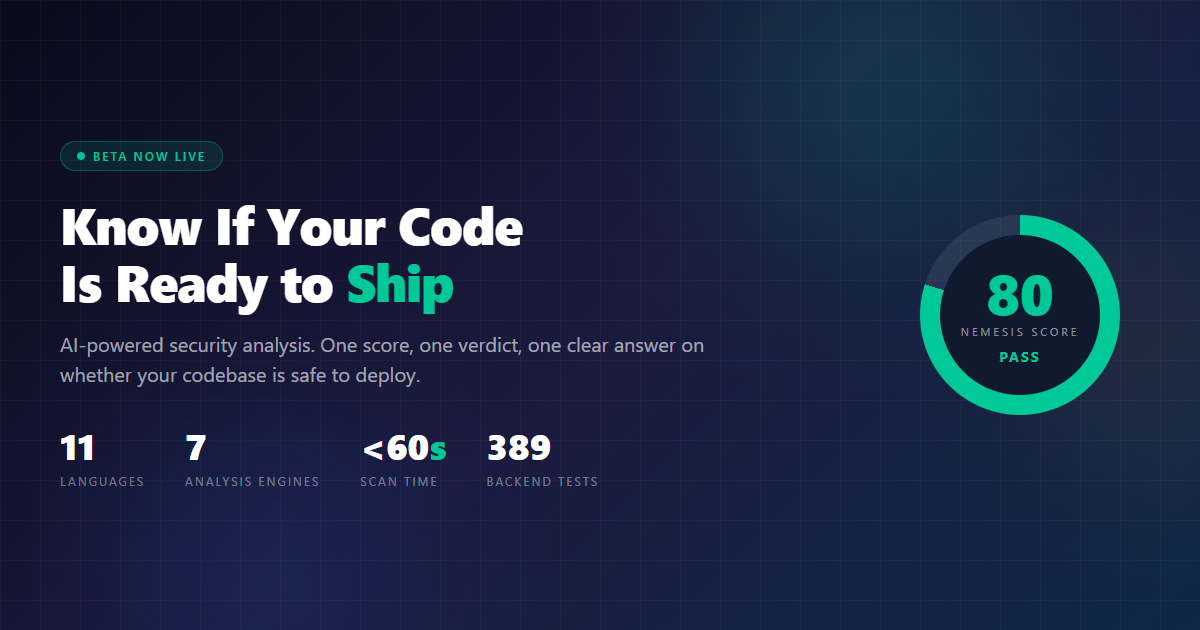
Every developer faces the same question before deploying: “Is this safe to ship?” Most teams either run a dozen different linters and security tools manually, skip security analysis entirely because it’s too noisy, or deploy blind and hope nothing breaks. CodeCritical answers that question in under a minute.
TL;DR
- Upload code, get a ship/no-ship verdict — static analysis plus security scanning in one pass.
- 11 languages supported: Java, Python, JavaScript, TypeScript, C#, Go, Rust, PHP, Ruby, Kotlin, and Swift.
- Safe by design: isolated Docker containers, zero persistence — your code never leaves the scan.
- Free beta: try it now at the link below and tell us what it missed.
What You’ll Learn
The Nemesis Score
A single number (0-100) that tells you if your codebase is safe to deploy.
7 Analysis Engines
Semgrep, Trivy, ESLint, and 4 custom engines running in parallel containers.
11 Languages
Java, Python, JavaScript, TypeScript, C#, Go, Rust, PHP, Ruby, Kotlin, Swift.
Safe By Design
Isolated Docker containers. Zero persistence. Your code never leaves the analysis environment.
What Is CodeCritical?
CodeCritical is an security analysis platform. Upload your code, get a verdict. One score, one number, one clear answer on whether your codebase is safe to deploy.
It sits in a gap that most developers know exists but rarely talk about. Single-engine tools like SonarQube or ESLint are great at one thing but miss the bigger picture. Enterprise platforms like Snyk or Checkmarx are powerful but expensive, complex to set up, and often require CI/CD integration. CodeCritical is the middle ground: multi-engine analysis with a single score and verdict, hosted and ready to use — no setup required.
Upload a zip. Get an answer. That’s it.
The Nemesis Score
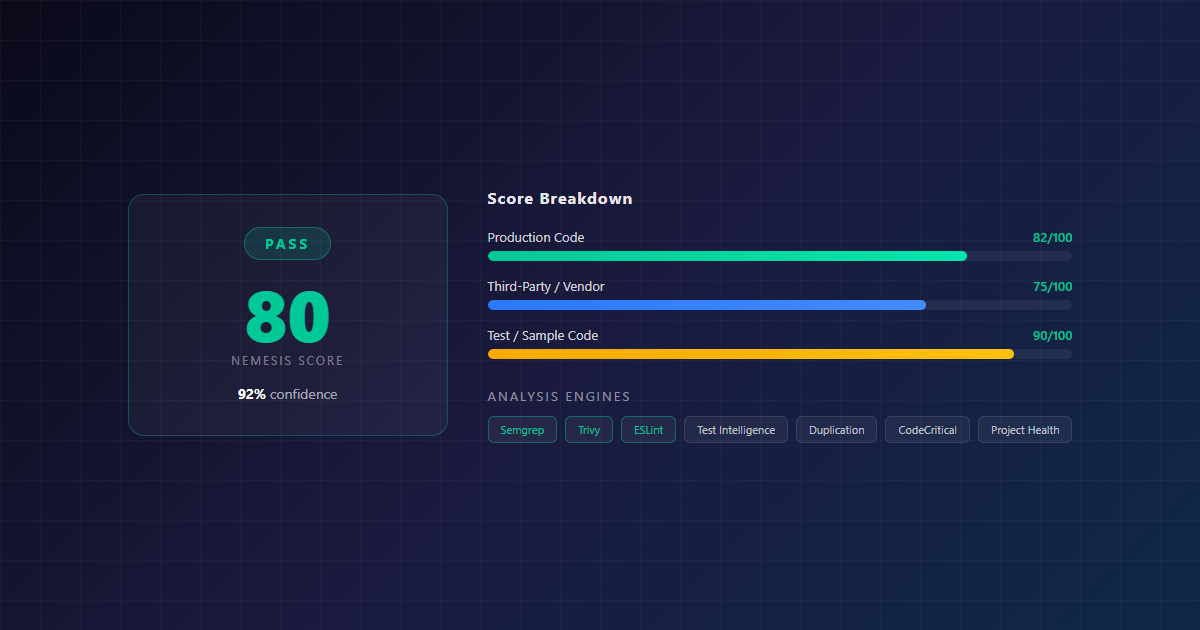
At the heart of CodeCritical is the Nemesis Score — a single number from 0 to 100 that represents your codebase’s overall health. It combines security posture, maintainability, and code complexity into one metric.
| Score Range | Verdict | What It Means |
|---|---|---|
| 70-100 | PASS | Healthy codebase. Safe to deploy. |
| 41-69 | RISK | Significant concerns. Review before deploying. |
| 0-40 | FAIL | Critical issues. Fix before deploying. |
Each report also includes a confidence percentage (how reliable the scan is), remediation effort (LOW / MEDIUM / HIGH), business impact assessment, and a score breakdown across production code, third-party dependencies, and test code.
How It Works
The scan pipeline runs in 5 steps, from upload to verdict, in under 60 seconds.
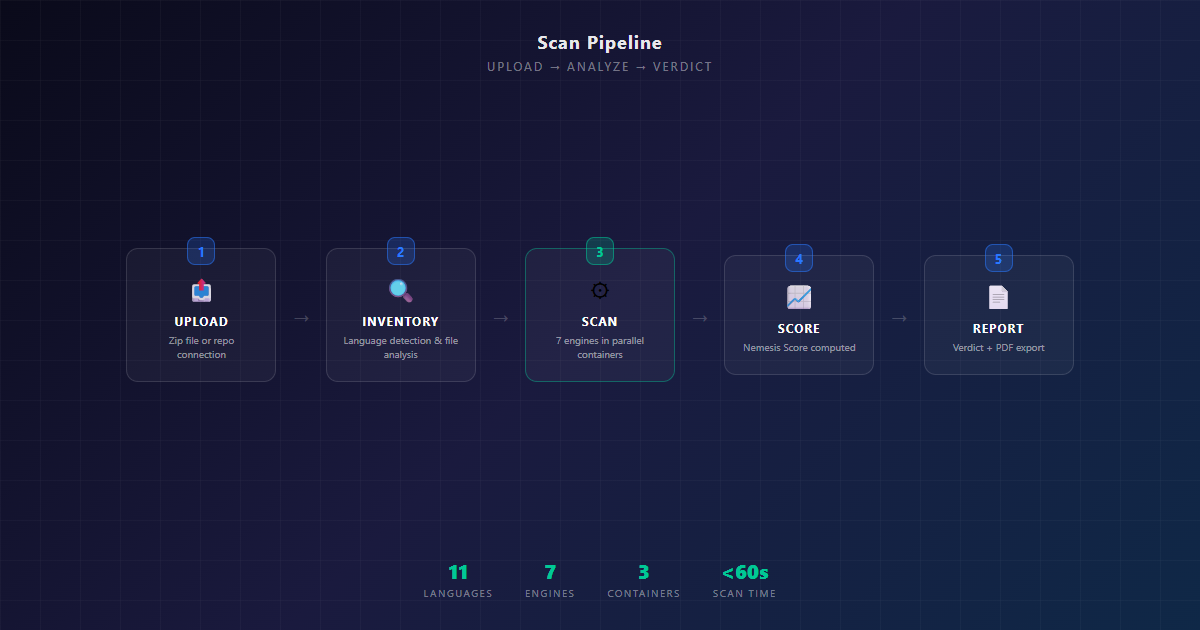
Here’s what happens under the hood:
- Upload — You upload a zip file of your codebase (GitHub integration coming soon)
- Inventory — Each file is dispatched to the matching language analyzer, computing LOC, complexity, maintainability index, and language-specific vulnerabilities
- Scan — 7 analysis engines run in parallel inside isolated Docker containers: Semgrep for pattern-based SAST, Trivy for dependency vulnerabilities, ESLint for JS/TS quality, plus 4 custom engines for duplication, test intelligence, architecture, and project health
- Score — All findings are classified by ownership and actionability, then the Nemesis Score is computed
- Report — A full report with verdict, prioritized fixes, and PDF export is delivered to your dashboard
The containers are ephemeral — destroyed after the scan. Zero persistence. Your code never touches the host system.
What It Scans
CodeCritical runs 7 analysis engines, each catching different categories of issues:
| Engine | What It Does | What It Catches |
|---|---|---|
| Semgrep | Pattern-based SAST with custom rules | SQL injection, XSS, hardcoded secrets, insecure CORS, weak JWT secrets |
| Trivy | Dependency vulnerability auditing | Known CVEs in your supply chain, container misconfigs |
| ESLint | JavaScript/TypeScript code quality | eval(), innerHTML, console.log in production, empty catch blocks |
| CodeCritical | Per-language custom analyzers | Language-specific security patterns (SQL concat, unsafe deserialization, etc.) |
| DuplicationEngine | Cross-file copy-paste detection | Code duplication, architectural pattern analysis |
| TestIntelligence | Test file quality analysis | Test coverage signals, test file quality metrics |
| ProjectHealth | Overall project health scoring | Aggregate health metrics across the codebase |
What’s Inside the Report
Every finding in a CodeCritical report includes more than just “you have a bug.” Each vulnerability card shows:
- Severity badge — CRITICAL / HIGH / MEDIUM / LOW
- File location with line number — exactly where the issue is
- Remediation guidance — what to do about it
- Ownership tag — YOU / FRAMEWORK / TOOLING / OS (so you know what’s your responsibility)
- Actionability tag — FIX_NOW / AUTO_FIXABLE / OVERRIDE / FRAMEWORK_MANAGED / MONITOR
- Dependency chain — for supply chain issues, the full path from your code to the vulnerable dependency
The report also includes a business impact assessment, an engine contribution breakdown, and a technical inventory table with per-file metrics (language, LOC, complexity, function count). Everything is exportable to a print-ready PDF.
The Dashboard
CodeCritical comes with a dark-themed real-time dashboard. The admin view shows total users, active scans, average health, a queue and capacity widget, and a member requests panel. The user view focuses on your scans, active scans, and average health.
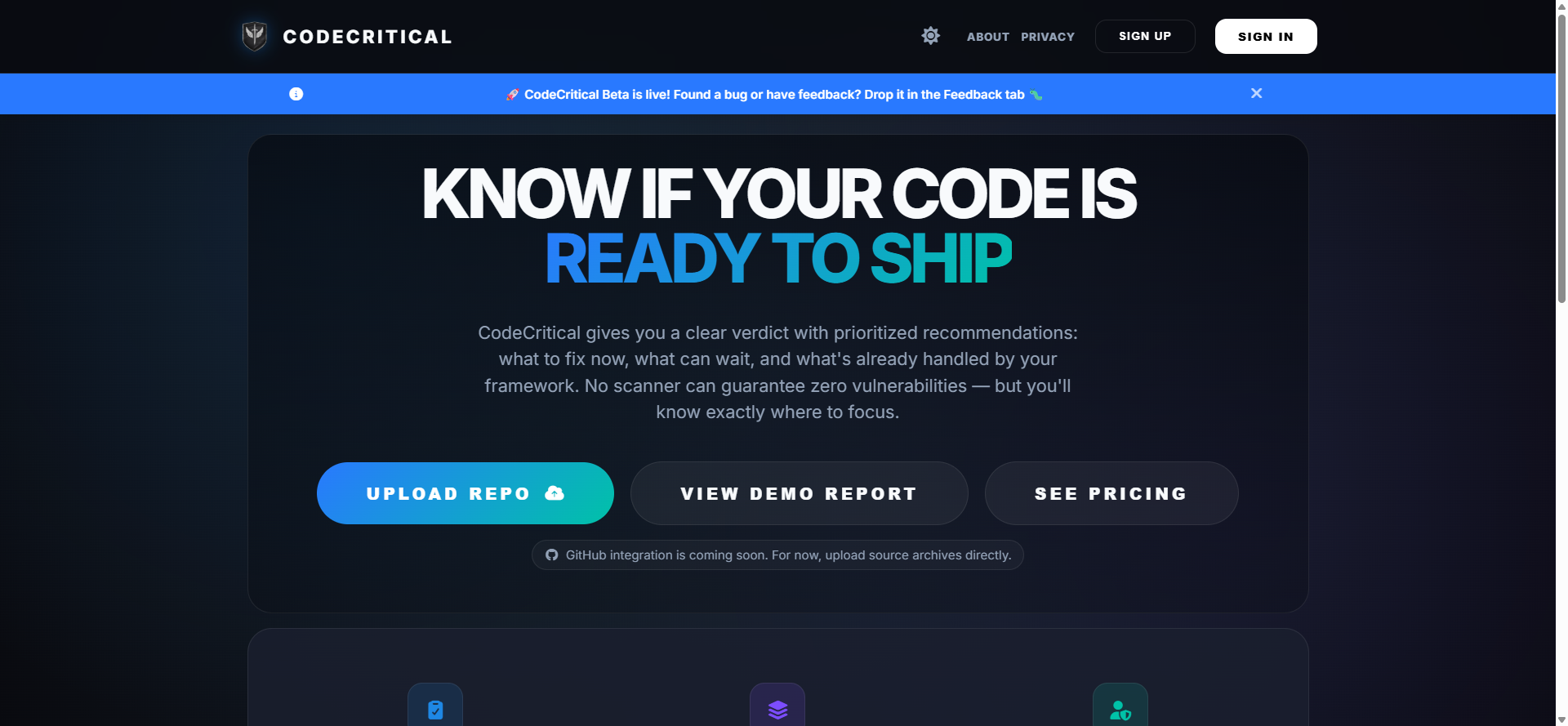
The Nemesis Decision card is the centerpiece — a pulsing score ring with your verdict, confidence percentage, and top 3 recommended fixes. Below that, the Your Repositories table shows status badges (HEALTHY / SCANNING / FAILED) with pagination.
Scan history lives at /reports — a card grid of past reports showing repository name, verdict badge, date/time, scan duration, three score columns (Nemesis, Maintainability, Security), severity chips, and score delta trend arrows.
Built for Production
CodeCritical isn’t a side project that got out of hand. It’s built with the same discipline it asks you to apply to your own code.
Containerized Analysis
Every scan runs in an isolated Docker container. No code touches the host. Zero persistence.
Supply Chain Security
Analysis images pinned to verified SHA256 digests. Survived the March 2026 Trivy breach.
Self-Scanning Pipeline
CodeCritical scans itself on every deployment. The platform eats its own dog food.
Architectural Constraints
ArchUnit enforces layer boundaries at build time. Controllers can’t call repositories directly.
The test suite is serious: 389 backend tests (including ArchUnit architectural verification), 179 frontend tests across 21 test files, and an E2E test suite for critical user flows. All tests pass on every build.
Tech Stack
| Backend | Java 21, Spring Boot 3.3, Maven |
| Frontend | Vue 3, Nuxt 3, Vuetify |
| Database | PostgreSQL 15 |
| Cache | Redis 7 |
| Gateway | Nginx stable-alpine |
| CI/CD | Woodpecker CI |
| Deployment | Docker Compose, Portainer |
Getting Started
Getting from zero to a scan takes about 60 seconds:
- Head to codecritical.nemesisnet.co.za
- Create an account (approval required)
- Upload a zip file of your codebase
- Wait about 30 seconds
- Get your Nemesis Score, verdict, and full report
- Export to PDF if needed
What’s Next
This is beta. Feedback directly shapes the roadmap.
- More analysis engines and language support
- GitHub integration (connect repos directly)
- API access for CI/CD pipeline integration
- Team collaboration features (shared scans, organization-wide dashboards)
- More granular finding categories and remediation guidance
- Automated fix suggestions
Try CodeCritical
Upload your code. Get a verdict. Know if it’s safe to ship.
CodeCritical is a product of NemesisNet. nemesisnet.co.za

One thought on “CodeCritical Beta Release — Know If Your Code Is Ready to Ship”
Comments are closed.