
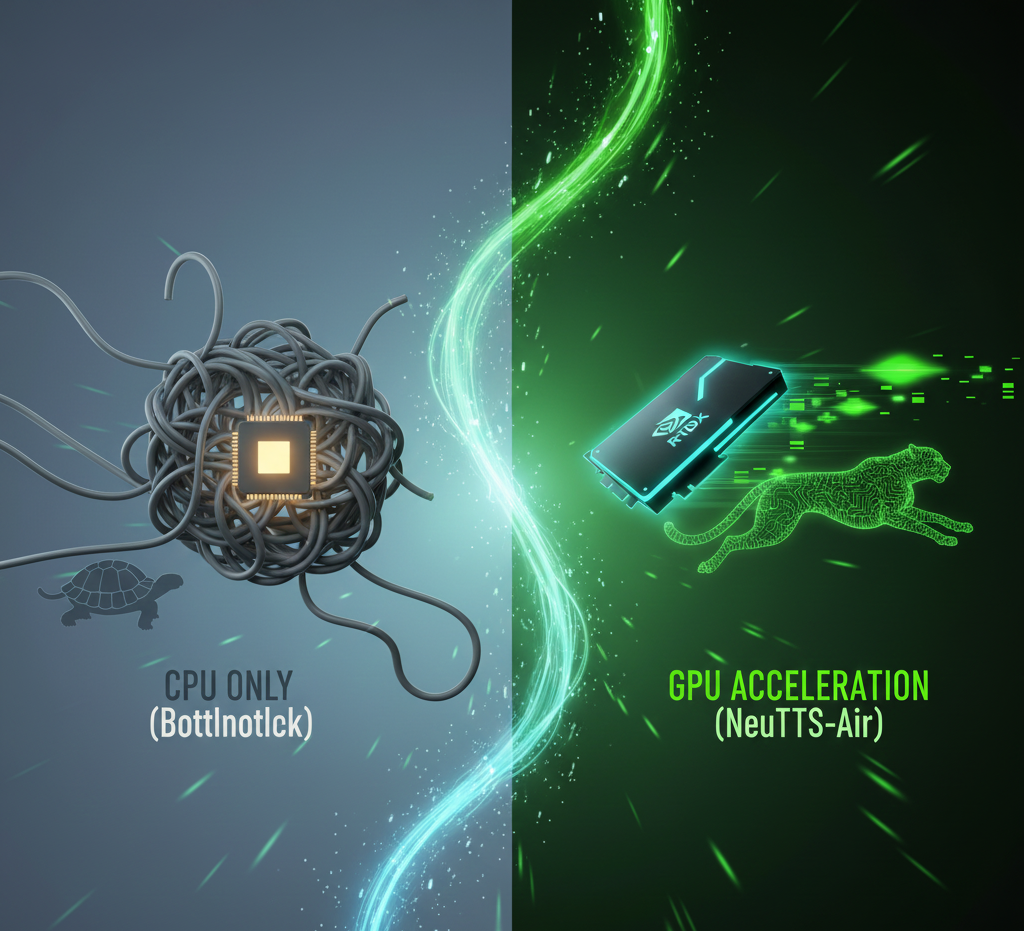
Bringing GPU Support to NeuTTS-Air — A Dev Diary
This is the long one: the full post‑mortem, the war stories, the trade‑offs, the CLI commands, and the benchmarks. Read this if you want to know what actually happened when we added ONNX GPU support and a benchmarking suite to NeuTTS‑Air.
TL;DR
We added auto device selection (CUDA / MPS / CoreML / DirectML / CPU) for ONNX backbones and the ONNX codec, shipped a benchmarking CLI, and added tests so this stuff doesn’t silently regress. The work involved a lot of defensive checks, a tiny probe‑inference to avoid silent fallbacks, and multiple community-supplied benchmarks that saved our sanity. If you want the short command to try locally:
python -m examples.provider_benchmark --input_text "Benchmarking NeuTTS Air" \
  --ref_codes samples/dave.pt --ref_text samples/dave.txt --backbone_devices auto \
  --codec_devices auto --runs 3 --warmup_runs 1 --summary_output benchmark_summary.txt

Why Bother? (Or: Why 15-Second Latency is a Crime)
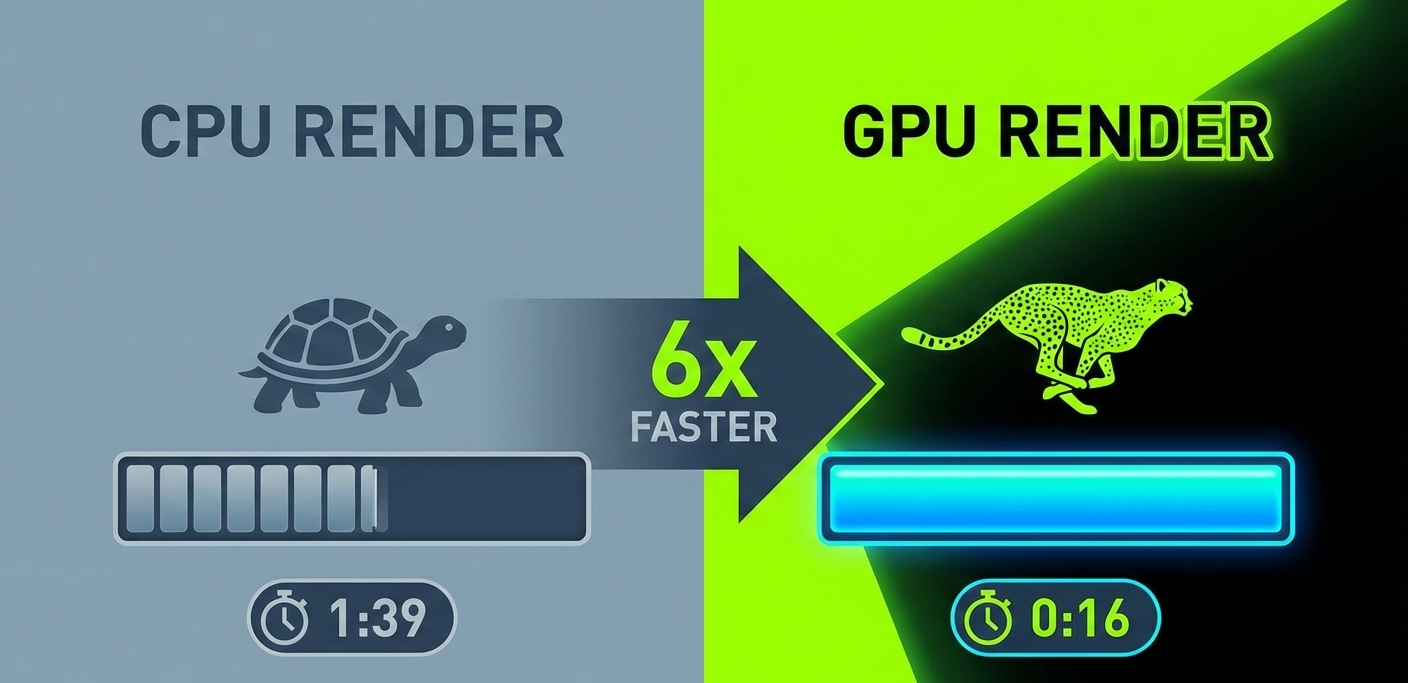
Let’s be real: nobody wants to wait 15 seconds for a TTS model to spit out a sentence. That’s not “real-time,” that’s “go make coffee and come back.” I wanted NeuTTS-Air to feel snappy—like, “did it just finish already?”—not like an intermission. CPUs are fine for quick experiments, but once you want usable latency you need hardware acceleration. That’s the whole point of this work: if you’ve got a GPU, we should use it; if you don’t, we should explain why and not pretend we did.
The practical upside is huge: faster iteration cycles for developers, real-time-ish streaming demos, and the ability to run more complex models on modest hardware. And the UX upside is human: you don’t want to stare at a spinner while your demo reads a paragraph.
Short take: GPU support turns a demo into a product. That’s worth the chaos.
Device Dilemma
The goal sounded trivial on paper: “just auto-detect CUDA, MPS, DirectML, CoreML, pick a GPU if it actually works, otherwise gracefully fall back to CPU.” Famous last words.
Reality slapped me in the face. ONNX Runtime will happily tell you it has a CUDA provider and then run everything on CPU. MPS shows up, then chokes on a tensor layout. DirectML will sometimes be fine and sometimes behave like a temperamental espresso machine. The tricky bit wasn’t writing a detection heuristic — it was making the thing defensive enough to avoid lying to the user.
My approach matured through iteration: probe, don’t trust. Checking torch.cuda.is_available() is useful, but it’s not sufficient when ONNX and the underlying runtime disagree. So we added a tiny probe inference that runs a micro-graph on the provider and verifies execution. That probe now sits in the initialization path and has saved hours of head-scratching.
War Story — The 2 AM Epiphany
I remember being up late, watching logs scroll by like a bad movie. ONNX spat a 20-line error, then quietly executed on CPU. I tried updating drivers, reinstalling packages, and even questioned my life choices. Eventually I noticed a CI script that exported a CPU-only environment variable; removing it made CUDA come back to life and the latency dropped from “this feels wrong” to “holy hell, that’s fast.” The takeaway: always check the environment first. Also, don’t drink that second cup of whatever I was drinking — it tasted like regret.
Side note — probe vs trust
The probe is tiny: a minimal ONNX graph + a micro input. It costs milliseconds and verifies that the provider executes the graph without falling back to CPU. If the probe fails we log the full provider chain (e.g. CUDAExecutionProvider, CPUExecutionProvider) and fall back to CPU with a clear message.
What I tried (and what actually worked)
- Trusting torch/onnx availability checks: easy, but lied in edge cases.
- Parsing
onnxruntime.get_available_providers(): informative, but providers can be registered without being usable. - Probe inference: definitive. Run small graph; if it executes, use GPU. If not, log and fallback. This is what we shipped.
- Auto-detects and prefers usable GPUs (CUDA/MPS/DirectML/CoreML)
- Performs a tiny probe inference to detect silent fallbacks
- Logs provider chains and explains fallbacks to the user
TL;DR: Silent fallbacks are the worst—be loud, probe, and log everything.
Benchmarks: Windows 11, NVIDIA GTX 1080 Ti
Below are representative measurements taken on a Windows 11 dev box with a GTX 1080 Ti. These are not gospel — they’re snapshots that illustrate typical behaviour and the kinds of surprises we hit while tuning providers and exports.
| Backbone | Device | Codec | Provider | Mean Latency (ms) | RTF |
|---|---|---|---|---|---|
| neutts-air-q4-gguf | cuda | onnx-decoder | CUDAExecutionProvider | ~1.3 | 8.1 |
| neutts-air-q8-gguf | cpu | onnx-decoder | CPUExecutionProvider | ~1.4 | 8.1 |
| neutts-air | cpu | onnx-decoder | CPUExecutionProvider | ~15.8 | 0 |
Annotated Takeaways
The table tells you raw numbers; the story explains them. The Q4 GGUF backbone on CUDA is brutally quick — this is the sweet spot where quantized GGUF backbones + ONNX codec + GPU give huge wins. The original full-precision torch backbone (the row labelled neutts-air) is still heavy on CPU and benefits more from model compression than provider shenanigans.
Fun remark: once I saw the CPU row outperform what I expected from CUDA, I briefly considered a new career in pottery. Turns out the provider chain was lying. Moral: always check the provider chain and run the probe.
Benchmarks weirdness we saw
- Small models sometimes show small but surprising CPU wins due to kernel launch overhead.
- Some ONNX exports allocate large temporaries — this kills GPU advantages.
- Different GGUF quantizations produce different memory/latency trade-offs on GPU vs CPU.
Actionable tip: if CUDA is slower, try increasing batch size, re-exporting with static shapes, or using a quantized backbone (Q4/Q8) — one of those usually flips the advantage back to GPU.
Cross-Platform Headaches (and Solutions)
Supporting Apple Silicon and Windows GPUs turned into a lesson in humility. There is no single “ONNX GPU” story across platforms. On macOS you’ll often rely on community wheels (see onnxruntime-silicon) or the CoreML provider; on Windows you have CUDA or DirectML; Linux tends to be the sanest if you have drivers.
We added explicit detection for MPS/CoreML on Apple, prefer CUDA where available, and log the provider chain so users understand what actually ran. We also added docs with step-by-step setup tips for Mac users (install this wheel, ensure this driver, run the benchmark) because vague suggestions don’t help at 2 AM.
“The auto selection should detect MPS automatically on Apple Silicon. If torch.backends.mps.is_available() returns True, it’ll use MPS; otherwise it’ll fall back to CPU.”
PR Discussion
Mini-FAQ
- Why didn’t CUDA fire? Often a missing driver or a provider registered but unable to execute; check
nvidia-smior driver logs and run the benchmark to see the provider chain. - How to use MPS/CoreML on Mac? Install an ONNX Runtime that exposes CoreML/MPS or use a community wheel; follow the README’s macOS section.
- DirectML looks slow—can I avoid it? Test it. Sometimes DirectML is fine, sometimes CPU wins. The benchmark tells you which to prefer.
macOS M3 Max Benchmark (Community Test)
| Backbone | Device | Provider | Mean Latency (ms) | RTF |
|---|---|---|---|---|
| neutts-air-q4-gguf | auto | CoreMLExecutionProvider | ~1.4 | n/a |
| neutts-air | auto | CoreMLExecutionProvider | ~7.8 | n/a |
macOS Notes & Community Anecdotes
The M-series story is a tapestry of community ingenuity. Apple doesn’t ship an official ONNX GPU wheel for every minor runtime version, so community wheels (or building from source) often bridge the gap. We received benchmark dumps from multiple contributors — an M1 Pro that behaved conservatively, an M3 Max that looked like sorcery, and a user’s Hackintosh that politely declined to cooperate.
One memorable submission came from a user who ran the benchmark after a system update and found CoreML suddenly faster by 30% — they traced it to a lower-level driver patch in a beta macOS build. The lesson: on macOS, hardware plus runtime plus OS patch level all interact; one variable changing can flip the numbers dramatically.
Practical takeaway: when you ask for community benchmarks, get exact OS and runtime versions, the wheel/build artifacts, and a short log showing the provider chain. That metadata saved us more than once.
The Deep Dives: Device Selection Logic
The core of this release is a robust device selection routine. Here’s a simplified version:
if torch.cuda.is_available():
    device = "cuda"
elif hasattr(torch.backends, "mps") and torch.backends.mps.is_available():
    device = "mps"
elif onnxruntime.get_available_providers():
    # Try CoreML, DirectML, etc.
    ...
else:
    device = "cpu"
We also added tests/test_device_selection.py to ensure regressions are caught early.
Why ONNX Lies (A Tiny Architecture Digression)
ONNX Runtime exposes a list of registered execution providers (CUDA, TensorRT, CoreML, DirectML, CPU, etc.) but registering a provider is not the same as successfully executing arbitrary graphs on it. Providers can register their presence while still failing on certain ops, tensor layouts, or memory constraints. When that happens, the runtime may fall back to the CPU provider for execution — often without a clear, actionable error.
That mismatch between “available” and “usable” is the root cause of most silent-fallback headaches. Our answer was simple: verify. Don’t just list providers — exercise them with a tiny, deterministic graph to confirm they actually execute your model’s essential ops.
Probe Snippet (runnable)
Here’s a compact, real Python snippet we used as a probe. It runs a tiny ONNX session on the candidate provider and returns True only if execution completes without falling back to CPU.
import numpy as np
import onnxruntime as ort

def probe_provider(provider_name: str) -> bool:
    # tiny model: single input, identity-like op exported as ONNX
    # In practice use a small exported model file; here we create a minimal tensor check.
    try:
        sess_opts = ort.SessionOptions()
        sess = ort.InferenceSession("probe_identity.onnx", sess_options=sess_opts, providers=[provider_name, 'CPUExecutionProvider'])
        input_name = sess.get_inputs()[0].name
        dummy = np.random.randn(1, 16).astype(np.float32)
        out = sess.run(None, {input_name: dummy})
        # If the output shape is sane and no exception occurred, provider executed.
        return True
    except Exception as e:
        # Log the exception and provider chain for debugging in the real code.
        print(f"Probe failed for {provider_name}: {e}")
        return False
We keep a tiny on-disk probe_identity.onnx that exercises the smallest set of ops we rely on. The cost of this probe is negligible and the payoff — avoiding silent fallbacks — is huge.
Benchmark Methodology & Tips
Benchmarks lie when you don’t control for warmup, batch sizes, export flags, and randomness. Here’s the exact methodology we used so readers can reproduce our numbers.
How we measured
- Warmup runs: 1–5 warmup iterations to let providers JIT/initialize kernels.
- Measure runs: 3–10 runs, averaged; report mean and standard deviation.
- Batching: default single-item synthesis to measure latency; increase batch size to explore throughput.
- Export flags: prefer static shapes where possible; dynamic shapes increase overhead.
- RTF calculation: Real-Time Factor = (audio_length / wall_clock_time). Higher is better for throughput-focused tests.
Repro tips
- Pin exact ONNX Runtime version in your environment (different builds behave differently).
- Collect provider chain logs with
onnxruntime.get_available_providers()and record driver versions. - Run benchmarks with isolated CPU/GPU loads (no background desktop apps, GUI GPU compositors disabled if possible).
- For CI, run nightly micro-benchmarks on public samples and store JSON summaries for trend analysis.
python -m examples.provider_benchmark --input_text "Benchmarking NeuTTS Air" \
  --ref_codes samples/dave.pt --ref_text samples/dave.txt --backbone_devices auto \
  --codec_devices auto --runs 5 --warmup_runs 2 --summary_output benches/windows_gtx1080.txt
The Cutting Room Floor: What Didn’t Work
- Initial attempts to force CUDA on unsupported hardware led to cryptic ONNX errors
- macOS ONNX GPU support is still unofficial—users may need to build from source
- Some provider fallbacks (e.g., DirectML) are not always faster than CPU
The Road Ahead
Next steps include:
- Streamlining Apple Silicon support as ONNX Runtime matures
- Adding more granular benchmarks (e.g., streaming, long-form synthesis)
- Community feedback and hardware-specific optimizations
Tips & Lessons Learned
- Always benchmark on your target hardware—performance varies wildly
- Document device/provider quirks for your users
- Automated tests for device selection are a must
Conclusion
This release brings NeuTTS-Air closer to true cross-platform, high-performance speech synthesis. By automating device selection and providing transparent benchmarking, we empower users to get the best out of their hardware—no hacks required.
Try it out, run the benchmarks, and let us know how it performs on your setup!
NemesisNet Hub Links
Sources & References
Post-Mortem: The Struggle, Surprises, and Community Impact
Every release has its war stories, and this one gave us plenty. Below are the real moments—the panic, the hacks, the small victories, and the folks who helped carry this over the line.
Debugging the Device Maze
- Provider Hell: ONNX Runtime’s provider list is a moving target. We lost hours to silent fallbacks and cryptic errors when a provider was present but not actually usable. Example: the DirectML run that reported CUDA in the chain—then proceeded to run everything on CPU.
- Apple Silicon: No official GPU wheel means user testing and community wheels. I remember receiving a benchmark from someone on an M3 Max at 3am and thinking, “this is either magic or black sorcery.” It was a community wheel and meticulous logging—shoutout to that user.
- Benchmarking Surprises: CPU sometimes beat GPU for tiny workloads. We found a case where a specific ONNX export layout caused a thrash of temporary allocations that killed GPU advantage.
- Test Coverage:
tests/test_device_selection.pycaught a regression where MPS fallback didn’t trigger correctly. That saved an embarrassing release note and a few angry DMs.
Community Feedback: The Real MVP
The most valuable insights came from users. Benchmarks, logs, and random messages from folks running weird hardware were priceless. Community submissions helped us identify platform-specific pain points and validate fixes across a wider range of hardware than we could test.
What We’d Do Differently
- Start with a compatibility matrix and test early across providers; don’t assume ONNX Runtime will behave uniformly.
- Automate more: CI device probes, nightly benchmarks, and clearer error messages that tell users what to do next.
- Recruit community testers early—edge cases appear in real-world hardware we don’t own.
Final Thoughts
Shipping GPU support for NeuTTS-Air was messy, educational, and worth every headache. We hope this post-mortem helps others navigating ONNX Runtime and varied hardware, and we can’t wait to see what creative uses the community finds.
Keep the bug reports coming, the benchmarks flowing, and the memes appropriate.
